Your Bird Buddy, your way
Shape your own Bird Buddy experience according to your preferences. Two new postcard modes, enhanced Home feed and Collection filtering options, and a streamlined way to make the most from your moments of nature.
Introducing More-action mode and Curated experience
Decide how you want to experience your Home feed.
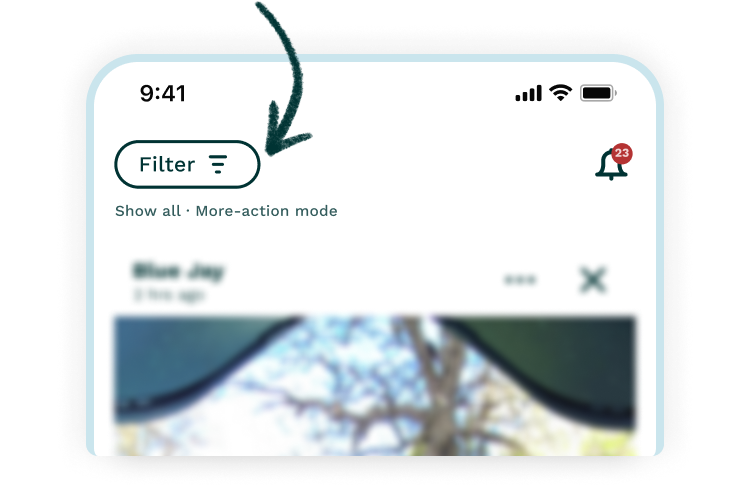
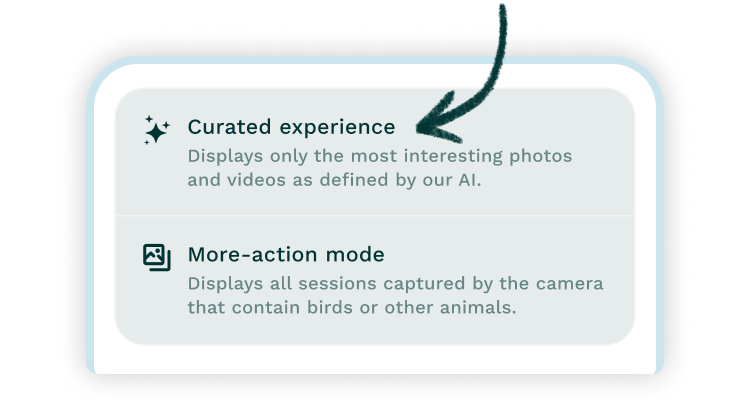
Tap the Filter button in your Home feed to access the new and expanded filtering menu with brand new postcard modes.
Find more hidden gems
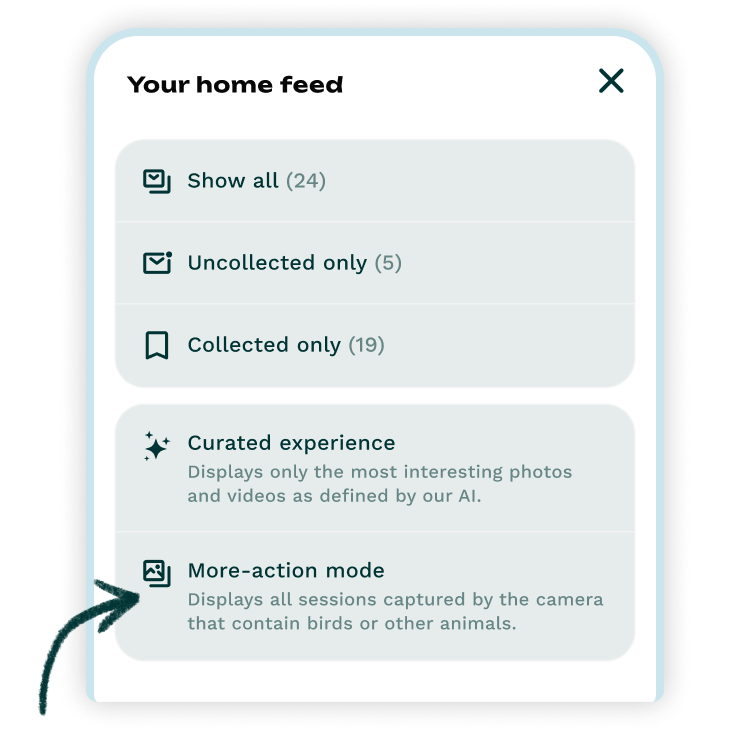
The newly added More-action mode enables you to see all the postcards captured by your Bird Buddy, even those with no recognized wildlife.
Only get the best moments
The Curated experience mode will populate your Home feed with only the best, most interesting photos and videos.
Can’t decide which one to go for? Not a problem. You can switch between different modes at any time.
Make the most of your Collection
Manage the content you want to see
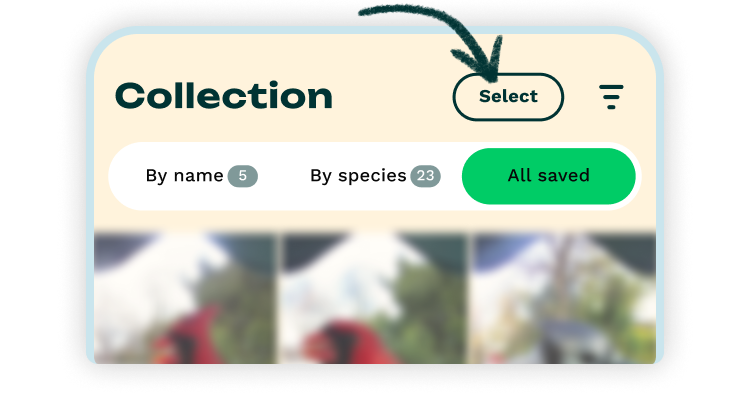
The new All saved view now lets you see all of your collected photos and videos on a single page.
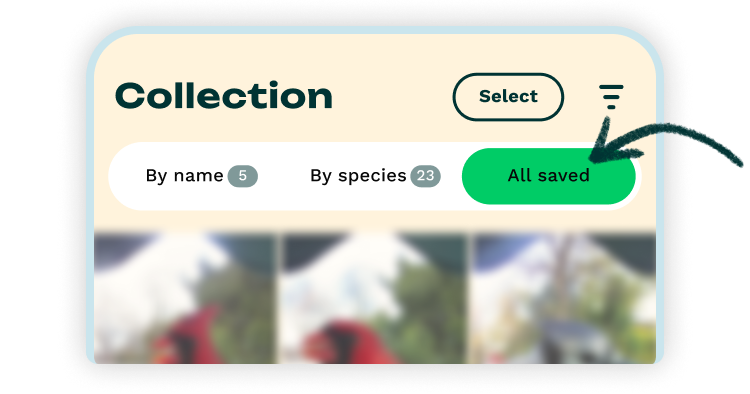
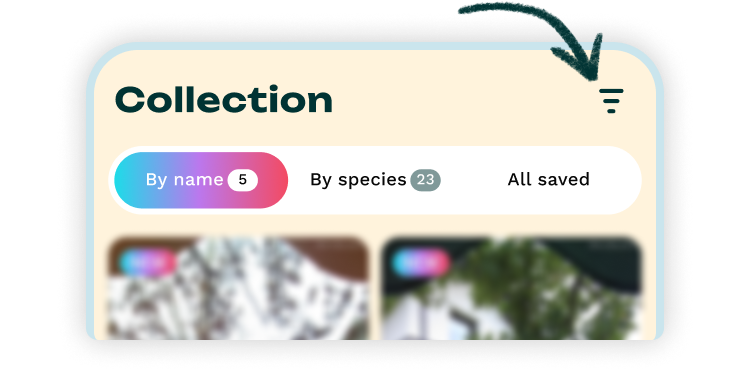
Access improved sorting and filtering with (filter icon) to sort or limit the ones you want to see. More filter options are now available for the existing By species and By name views too.
Streamlined postcard management
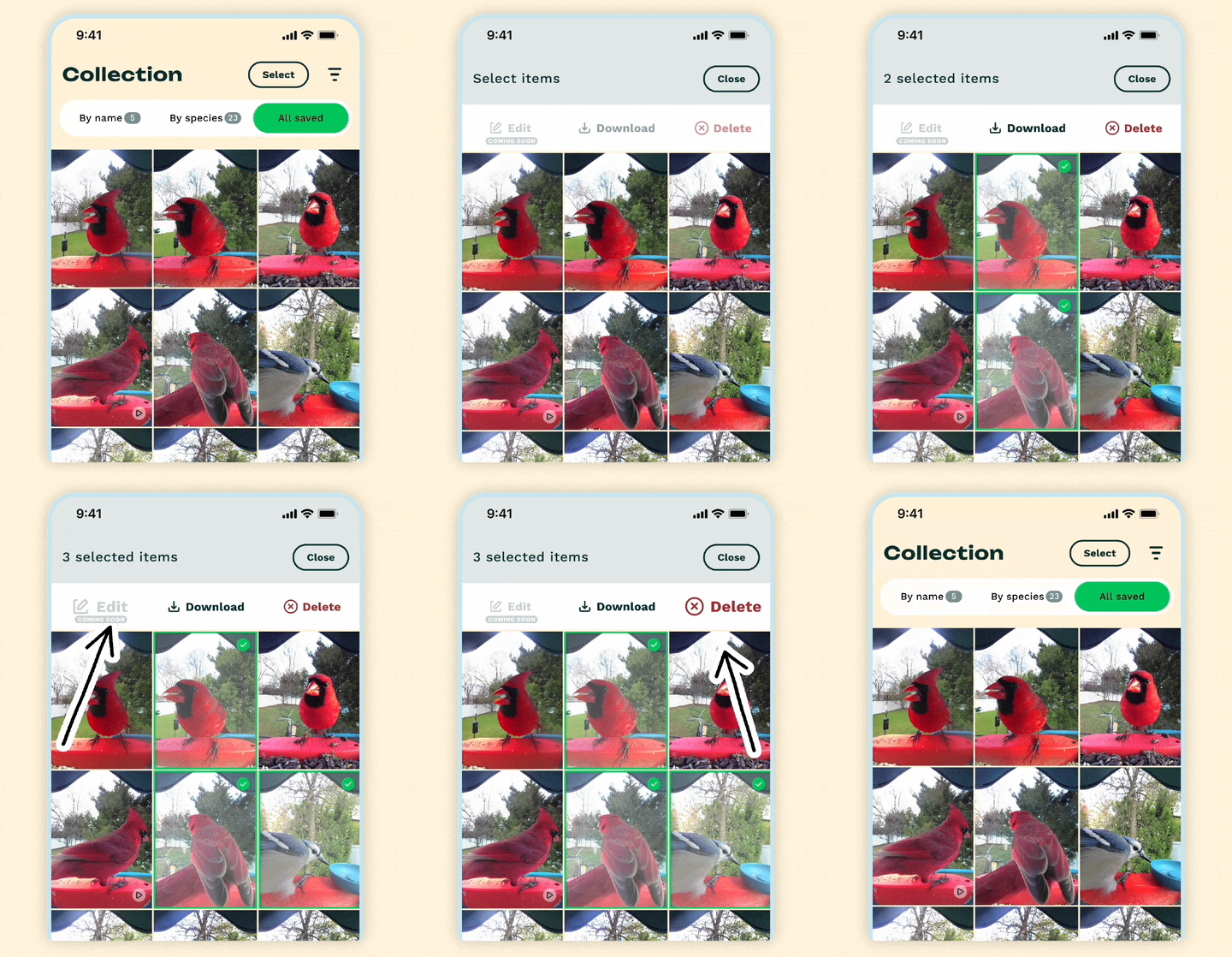
Download, edit, and delete photos or videos in bulk. Tap on Select and choose the content you want to manage and the action you want to take.