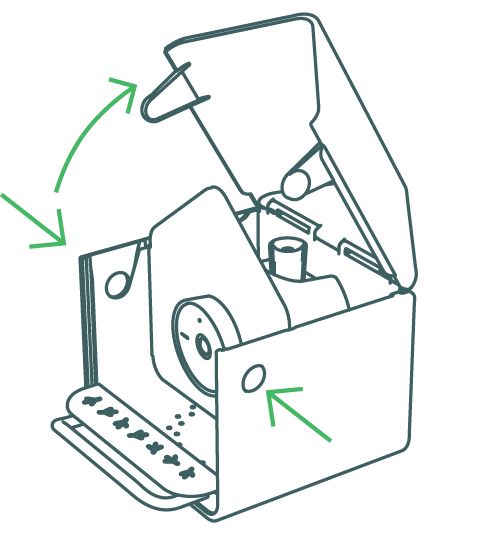
Check the port before charging
Before charging the device, inspect the charging port to ensure it is clean and dry. Do not use force when inserting the charging cable into the port.
For the Nature Cam Pro, inspect the port on the camera module:
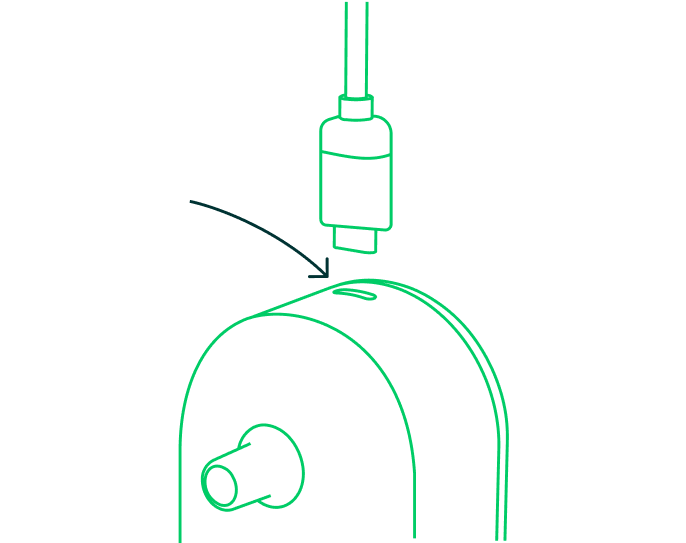
For the Birdbuddy Home, inspect the port on the battery insert:
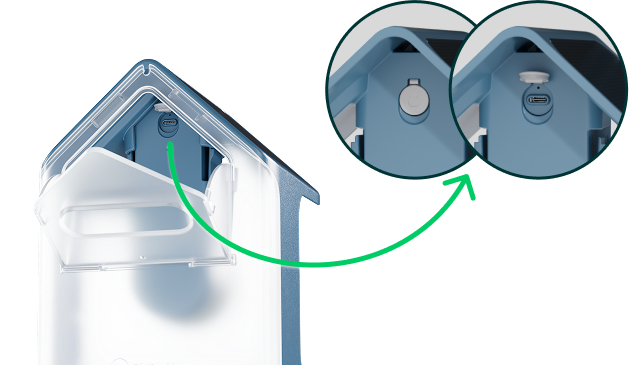
For the Birdbuddy Nook, the port is below the screw cap: